
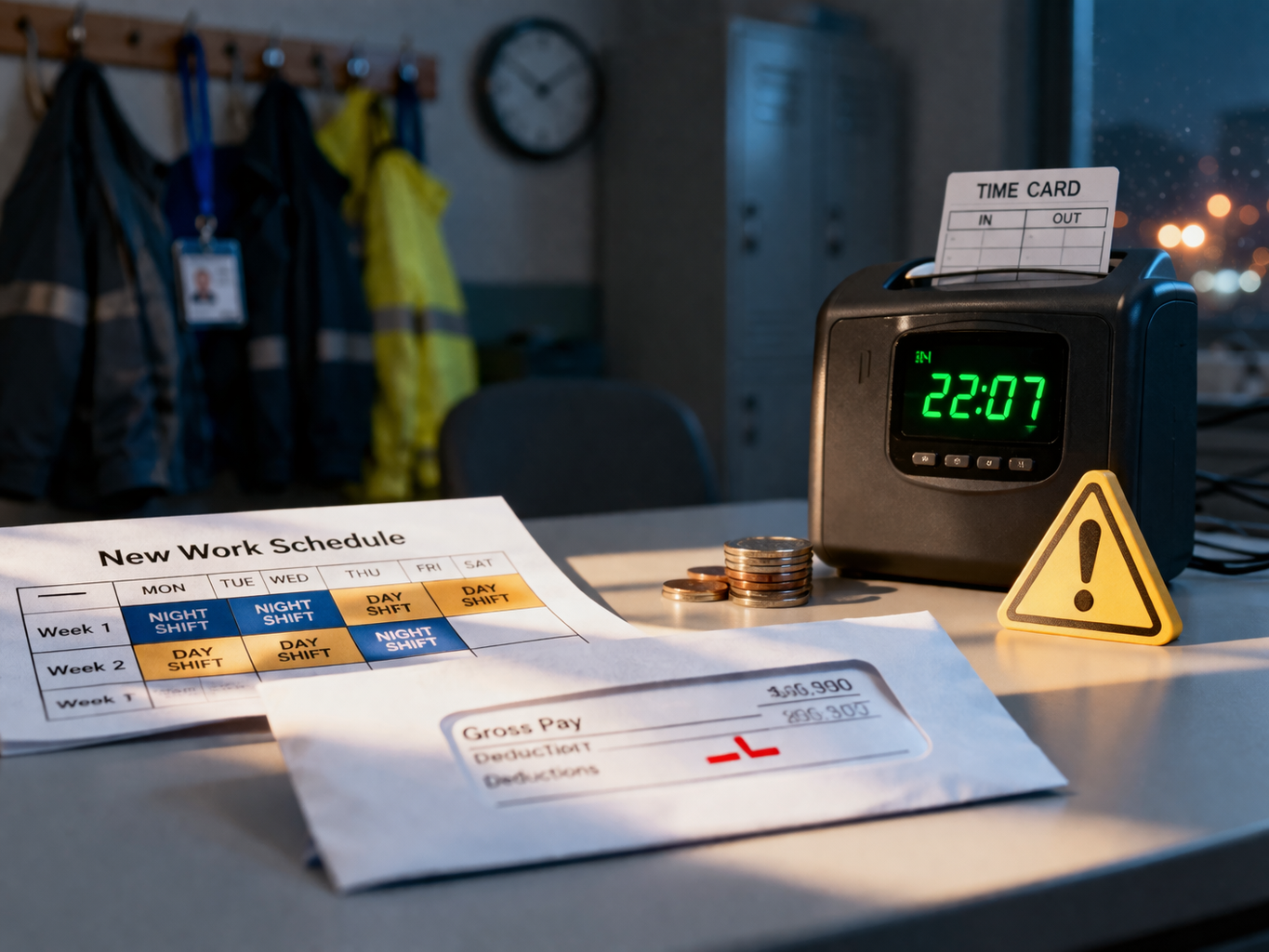
Shift Differential Missing From Paycheck After Schedule Change was the exact problem I noticed the moment I opened my pay stub and compared it to the week I had just worked.
The hours were there. My regular rate looked normal. Nothing on the pay stub seemed obviously broken at first glance. But I had just worked multiple late shifts after a schedule change, and the total was lower than it should have been. I checked it again, slower this time, and realized the extra amount I was supposed to receive for those shifts was gone.
What made it worse was how ordinary the pay stub looked. There was no big warning, no obvious payroll failure, no line saying something had been removed. It just looked clean and wrong at the same time. That is exactly why this issue catches people late — the paycheck can look processed correctly while still missing money you actually earned.
If you are dealing with Shift Differential Missing From Paycheck After Schedule Change, the most important thing to understand is that this usually starts when a schedule update, department update, or timekeeping rule changes faster than payroll coding does. The missing amount is often not random. It is usually tied to a rule that stopped attaching to your hours when your shift pattern changed.
If you want the broader system view first, this hub explains how payroll problems are created and why employees often discover them only after money is already missing:
What changed when the schedule changed
Shift Differential Missing From Paycheck After Schedule Change often begins the same way: a manager updates the schedule, HR updates a role, or a location transfer happens, but the pay rule attached to that shift does not move with the change.
In many payroll systems, the extra pay for evenings, overnights, weekends, or premium shifts is not applied because someone simply typed “night shift” on a calendar. It is applied because the system sees a specific code, a specific labor allocation, a specific schedule bucket, or a specific eligibility rule. When one of those items fails to match after a change, the system may still accept your hours but stop attaching the premium.
That is why the problem usually appears after a change, not during a stable work pattern.
- Your start time changed, but the shift differential window in the system did not recognize the new hours.
- Your manager moved you to another team or cost center, and that new code does not carry the premium pay rule.
- Your hours imported correctly from timekeeping, but the premium rule only applies when a separate earnings code is attached.
- Your shift rotation changed from permanent nights to mixed shifts, and payroll treated all hours as standard time.
- Your job title stayed the same, but your location or supervisor changed, which broke the prior pay mapping behind the scenes.
That is the core structure of this problem. Shift Differential Missing From Paycheck After Schedule Change is often less about missing hours and more about missing classification.
Why payroll may say everything looks correct
One of the most frustrating parts of Shift Differential Missing From Paycheck After Schedule Change is that payroll may genuinely think your check is correct the first time they review it.
That happens because payroll staff often look at high-level fields first: total hours, base hourly rate, gross pay, net pay, and pay date. If those all look normal, they may not immediately review whether a shift premium should have been layered on top of those hours.
From the payroll screen, your check can appear complete even when it is incomplete.
This is especially common when the missing differential does not generate an error code. Some systems only flag pay that is impossible, blocked, duplicated, or out of range. Missing premiums often do not trigger those warnings. They just quietly fail to apply.
- 40 hours processed
- Standard hourly rate applied
- No rejected time entries
- No failed payment status
- No compliance block on the check
What you are actually seeing:
- Night or weekend hours worked
- No premium line or no premium amount included
- Total gross lower than expected
- A schedule change right before the missing pay appeared
That gap between system view and employee reality is why vague complaints do not move this issue very far. If you simply say your pay “looks off,” you may get a generic answer. If you identify the missing premium connected to the schedule change, the review becomes more focused.
The patterns that matter most
Shift Differential Missing From Paycheck After Schedule Change tends to show up in a few recurring patterns, and knowing which one fits your situation helps you fix it faster.
These are different situations, but they create the same outcome: you worked eligible shifts and the premium disappeared after the scheduling change.
What rights matter here
Shift Differential Missing From Paycheck After Schedule Change is not just a bookkeeping annoyance when that differential is part of the employer’s pay structure. If your employer has a policy, contract, handbook rule, union provision, or regular compensation practice that grants premium pay for certain shifts, those earned wages need to be paid correctly.
That does not mean every worker in every state gets shift differential by law in every situation. It means that once your employer’s compensation system promises pay for qualifying shifts, the issue becomes a wage accuracy problem when that pay is not included.
The key question is not whether the paycheck processed. The key question is whether it processed accurately under the employer’s own pay rules.
For official wage and hour guidance, use the U.S. Department of Labor Wage and Hour Division:
U.S. Department of Labor — Wage and Hour Division
How to report it so it gets fixed
Shift Differential Missing From Paycheck After Schedule Change usually gets resolved faster when you report it as a structured payroll issue instead of a general complaint.
Do not lead with emotion, even if the missing amount is stressful. Lead with the sequence. Show the date the schedule changed, the shifts worked, the premium expected, and the paycheck where it failed to appear.
- The exact date your schedule changed
- The dates and times of the affected shifts
- The pay period involved
- The shift premium or differential you normally receive
- The line or total on the pay stub showing it did not appear
- A direct request to review shift code mapping or premium eligibility for those hours
That wording matters. If you ask whether your pay “might be wrong,” you invite a surface-level review. If you ask payroll to review whether your new schedule or labor code failed to carry the shift differential rule, you move them toward the actual failure point.
If your time record may also have transferred incorrectly into payroll, this related article is the best mid-article support piece because those issues often overlap:
The mistakes that delay correction
Shift Differential Missing From Paycheck After Schedule Change can stay unresolved longer than it should when employees make understandable but costly mistakes.
The first mistake is waiting through another pay cycle to see if the employer “catches it.” Sometimes they do not. Sometimes the next cycle imports from the same broken mapping and the missing premium repeats again.
The second mistake is focusing only on the final amount instead of the missing pay category. If you tell payroll that your check is short by a certain dollar amount but do not connect it to the shift differential rule, they may spend time checking taxes, deductions, or hour totals first.
The third mistake is failing to preserve proof of the schedule change. Screenshots of posted schedules, time punches, shift assignment emails, and messages confirming the new shift pattern can all matter.
The more this issue is treated like a vague paycheck concern, the easier it is for it to drift. The more it is documented as a missing premium connected to a defined schedule change, the faster it usually moves.
What employers often do next
Once the problem is identified correctly, employers usually take one of a few paths.
- They confirm the premium rule dropped off after the schedule change and issue retro pay.
- They say the new shift is coded differently and review whether you were still eligible.
- They discover that timekeeping captured the hours, but payroll did not receive the premium earnings code.
- They escalate the issue to HR, payroll operations, or a system administrator because the problem is structural, not one-check specific.
That last point matters more than it seems. Sometimes Shift Differential Missing From Paycheck After Schedule Change affects more than one employee after a scheduling change, location move, or system update. If the cause is structural, fixing only one paycheck without fixing the rule can leave the next check wrong again.
What to do if they delay or give a vague answer
If payroll answers with something generic like “your pay was processed correctly” or “we do not see an issue,” do not stop there if the missing premium is still not explained.
Ask a narrower follow-up question: whether the new shift assignment, department code, or time classification after the schedule change still carried the shift differential rule. That question is harder to brush aside because it targets the underlying logic instead of the final total.
If the employer keeps responding vaguely, keep your documentation organized by pay period. One missing check can sometimes be reframed as a misunderstanding. Multiple pay periods tied to the same schedule change are much harder to dismiss.
If the employer turns the issue into a broader payroll problem instead of addressing the missing premium directly, this is the best next-step internal link before the conclusion:
Key Takeaways
- Shift Differential Missing From Paycheck After Schedule Change usually starts when a schedule update does not carry the correct premium pay rule into payroll.
- The hours can be correct while the paycheck is still short because the missing piece is classification, not time.
- Payroll may initially say everything looks fine because many systems do not flag missing differential as an obvious error.
- The strongest report includes the schedule change date, affected shifts, pay period, expected premium, and a request to review shift code or eligibility mapping.
- Act fast, document the schedule change clearly, and do not let the issue stay framed as a vague paycheck concern.
FAQ
Can this happen even if my total hours are correct?
Yes. That is one of the most common versions of Shift Differential Missing From Paycheck After Schedule Change. The hours may process correctly while the premium pay rule fails to attach.
What if my employer says the new schedule is not eligible?
Ask them to explain exactly what changed in the eligibility rule. The important question is whether the actual premium policy, shift window, labor code, or department mapping changed, and whether that change was communicated correctly.
Can they fix it on a later paycheck?
Often yes, through retro pay. But you should still document the missing amount and the affected pay period right away so the correction is tied to the correct cause.
Should I wait another pay cycle before saying anything?
No. Waiting can make the issue harder to trace, especially if schedules, codes, and payroll exports continue changing.
What is the most important proof to save?
Your pay stub, the posted schedule showing the changed shifts, time punches, and any message or notice confirming the schedule change.
The moment I saw the missing amount, I stopped looking at the paycheck like it was just a math problem. It was not. The hours were there. The schedule had changed. The premium had disappeared. That was the real story, and once I framed it that way, the issue made much more sense.
Shift Differential Missing From Paycheck After Schedule Change is one of those payroll problems that can stay invisible if you describe it too loosely. But once you connect the missing money to the exact schedule change that triggered it, the path becomes clearer. You are not just asking why the paycheck looks low. You are identifying the precise pay rule that likely failed.
If this is happening to you right now, do not wait for the next check and do not send a vague message. Pull the affected pay stub, save proof of the schedule change, list the shifts that should have received premium pay, and ask payroll today to review whether your new shift assignment or labor code dropped the differential rule.
That is the action to take now: document the schedule change, document the missing premium, and send the correction request today while the payroll trail is still easy to follow.