
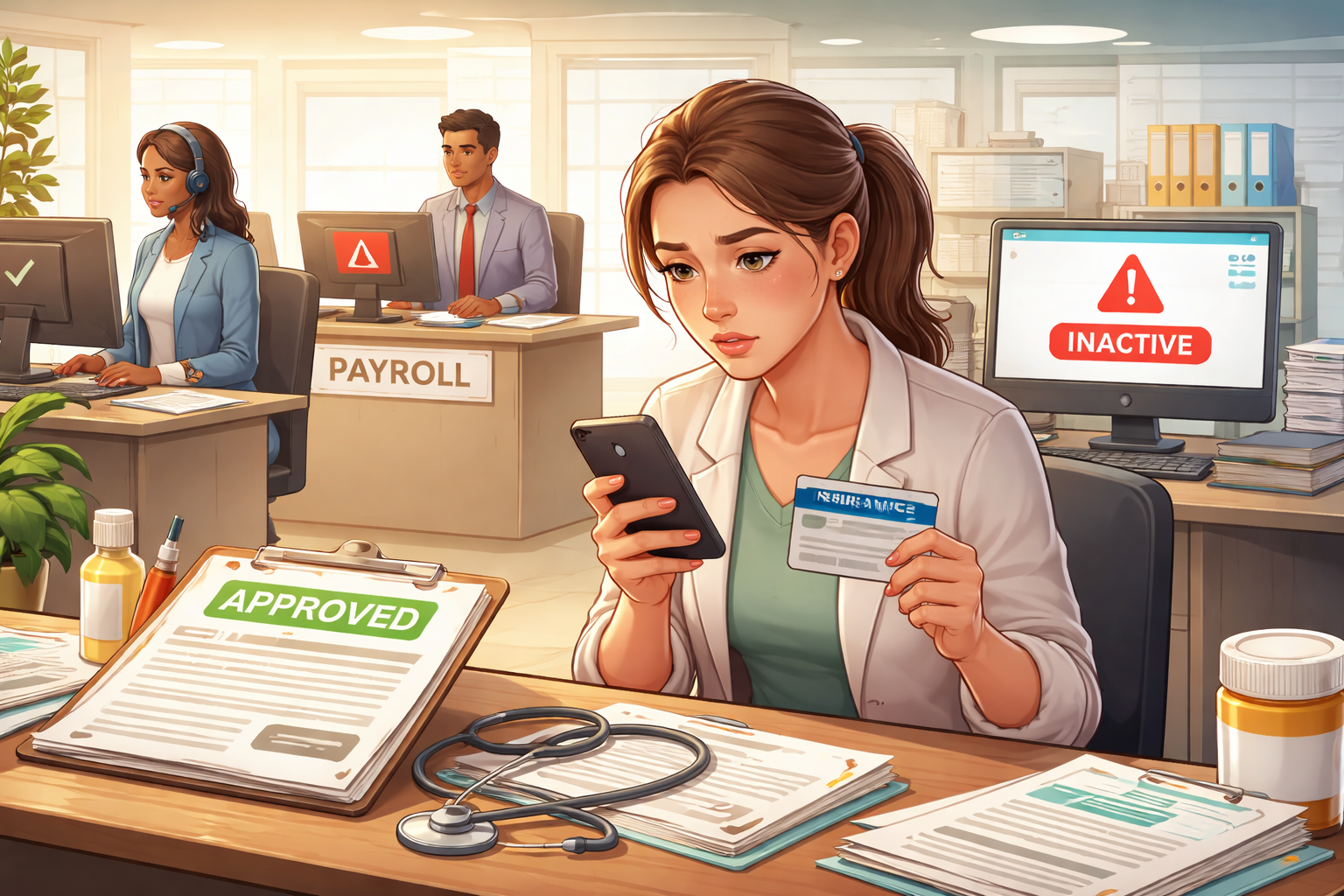
Benefits approved but not active due to payroll status mismatch was not something I noticed while reading emails or checking the employee portal. I noticed it when something ordinary turned expensive. A prescription that should have gone through normally came back rejected, and the person at the counter said my coverage was inactive. That made no sense because the enrollment had already been approved, the confirmation message had already been sent, and nothing in the company portal suggested a problem.
Benefits approved but not active due to payroll status mismatch is the kind of problem that makes people doubt their own memory first. You start reopening screenshots, old emails, and benefit elections because everything seemed completed. But approval inside one system is not the same thing as activation across all systems. That gap is exactly where employees get trapped. The portal may look finished while the payroll side still carries an old status flag that quietly prevents coverage from turning on.
If you want the broader payroll issue map first, start here because this problem often sits inside a larger pay-and-status workflow:
Why this happens after approval
Benefits approved but not active due to payroll status mismatch usually happens after the part employees can see is already done. Enrollment is submitted. HR approves eligibility. Confirmation appears. The employee assumes the process is over. But behind that approval, several systems still need to agree with each other before real coverage starts.
Most employers are not running one single benefits platform that controls everything from start to finish. They usually have a core HR system, a payroll system, a benefits administration platform, and then one or more outside carriers. Those systems exchange data in batches, on payroll cycles, or through scheduled integrations. If one of those data transfers picks up the wrong employment status, old hours classification, outdated hire state, inactive leave code, or unprocessed payroll record, approval can remain visible while activation stalls in the background.
Benefits approved but not active due to payroll status mismatch often means the employee record is “good enough” for HR to approve enrollment but not “clean enough” for the carrier or payroll-linked activation logic to finalize coverage. That is why this problem feels irrational from the employee side. It is not a denial. It is not always a cancellation. It is often a failed handoff.
The hidden break between HR, payroll, and the carrier
Benefits approved but not active due to payroll status mismatch usually sits in one of these hidden breaks:
1) HR says eligible, payroll still says non-benefit status
This happens when an employee moved from part-time to full-time, from temporary to regular, or from contractor-coded work into employee status, but payroll still holds the old classification.
2) Enrollment completed, but payroll cycle has not carried the record forward
The benefit election exists, but the deduction file or active-employee validation has not yet been processed.
3) Leave, suspension, or inactive code is still attached
An employee may have returned from leave or resolved an internal account issue, but the payroll-side status remains blocked.
4) Rehire or internal transfer created duplicate records
One system may point to the current employee profile while another still references an older inactive record.
5) Eligibility is approved based on hours, but payroll has not refreshed the measured average
This is common where benefits eligibility depends on average weekly hours, waiting periods, or look-back measurement rules.
Benefits approved but not active due to payroll status mismatch is often not dramatic enough to trigger an alert, which is why people discover it late. No one calls to say the activation failed. The employee finds out at the pharmacy, doctor’s office, claims portal, or during payroll review.
Common real-world patterns employees fall into
The first pattern is the status-updated-in-one-place-only problem. You were told you became benefits-eligible, maybe because your hours increased or your role changed. HR updated that part correctly, so enrollment opened and you selected coverage. But payroll still shows you as part-time, temporary, seasonal, or otherwise outside the benefit class. Benefits approved but not active due to payroll status mismatch is very common here because the payroll record still acts as the gatekeeper.
The second pattern is the returned-from-leave mismatch problem. Your leave ended, you came back to work, your manager scheduled you, and even HR may have re-opened your benefit access. But a leave flag, disability hold, or inactive return code was not cleared properly on the payroll side. So the system sees you as active enough to work but not active enough to turn on coverage.
The third pattern is the rehire timing gap problem. A rehired employee often touches multiple records at once. Old employee ID, new employee ID, reactivated payroll profile, prior carrier termination, new waiting period logic, and updated deduction schedule can create conflicting signals. Benefits approved but not active due to payroll status mismatch becomes especially likely when the rehire was processed quickly and different teams assumed someone else had completed the cleanup.
The fourth pattern is the deduction-trigger dependency problem. Some employers do not fully activate benefits until the payroll deduction or payroll-linked status feed confirms the election. If the deduction has not started because the payroll cut-off passed, the employee may see approval but no usable coverage. That makes the delay look random, but it is actually tied to payroll timing.
The fifth pattern is the hours-threshold dispute problem. An employee is told they qualify based on hours worked, yet payroll’s measured hours do not reflect the same total because of lagging timecards, corrected shifts, retro approvals, or hours coded into the wrong bucket. Benefits approved but not active due to payroll status mismatch can happen when HR used expected eligibility while payroll still has not validated actual qualified hours.
What the company sees versus what you see
From the employee side, the problem is simple: approved should mean active. From the employer side, it is often split into separate workflows that do not present the same answer on the same screen.
HR may see that you were offered coverage and completed elections. Payroll may see that your status feed is still pending correction. The benefits administrator may see a pending effective date waiting for a validated file. The carrier may simply see no final activation record yet. That is why employees keep hearing partial truths from different departments. One person says, “You’re enrolled.” Another says, “It should start soon.” Another says, “I don’t see an issue.” All three statements can exist at the same time while your actual coverage is still unusable.
Benefits approved but not active due to payroll status mismatch drags out because ownership gets blurred. HR thinks payroll must refresh the status. Payroll thinks benefits administration will pick it up automatically. The carrier waits for a correct eligibility file. The employee ends up acting as the only person connecting the dots.
How to tell which version of the problem you have
Before contacting anyone, identify which version is most likely affecting you. That makes escalation faster and reduces the chance of getting a vague answer.
If your deductions have not started:
Your issue may be tied to payroll-cycle activation, payroll status, or missed cut-off timing.
If deductions started but coverage still fails:
The payroll system may have begun deductions, but the carrier activation or benefits admin feed may still be delayed or mismatched.
If your role or hours changed recently:
Look for part-time/full-time classification lag, waiting-period confusion, or delayed status refresh.
If you returned from leave, suspension, or administrative review:
Check whether an inactive or leave code still exists in payroll.
If you were rehired or transferred internally:
Check for duplicate profiles, wrong effective dates, or old records still attached to the benefits file.
For a closely related sync problem involving deductions and enrollment handoff, this internal article fits naturally here:
What you should ask instead of “Is my insurance active?”
Benefits approved but not active due to payroll status mismatch does not get solved with broad questions. If you ask, “Is my insurance active?” you may get a generic answer from the wrong screen. You need questions that force system-specific verification.
Ask HR or payroll these exact points:
– What employment status is currently showing in payroll for my record?
– Has my benefits eligibility file already been transmitted with that status?
– Is there any leave, inactive, or non-benefit class code still attached to my payroll profile?
– What effective date was sent to the carrier?
– Have payroll deductions started, and if not, why not?
– Is my record waiting for the next payroll cycle or manual correction?
The goal is not to get reassurance. The goal is to force cross-system confirmation. Benefits approved but not active due to payroll status mismatch gets resolved faster when you make the company compare the HR view, payroll view, and carrier view side by side.
What usually fixes it fastest
The fastest fix is usually not a benefits re-enrollment. It is a status correction followed by a verified re-feed to the benefits or carrier system.
If the issue is classification, payroll must correct the status code. If the issue is leave or inactive history, payroll or HRIS must clear the flag. If the issue is a missed eligibility file, the benefits administrator may need to resend eligibility data manually. If the issue is effective date confusion, the employer may need to confirm retroactive activation with the carrier.
Benefits approved but not active due to payroll status mismatch often improves only after someone manually intervenes. Automated syncs are great when records are clean. They are slow when records are inconsistent. Once a mismatch exists, waiting for the next cycle without a confirmed correction is usually a mistake.
Mistakes that make this drag on longer
The biggest mistake is assuming approval equals protection. It does not. If you have already seen a rejection at the pharmacy, doctor’s office, or claims portal, do not keep relying on the portal message alone.
The second mistake is speaking to only one department. HR alone may not see the payroll code. Payroll alone may not know what the carrier received. Benefits approved but not active due to payroll status mismatch is specifically a cross-department problem, so single-channel communication often produces half-answers.
The third mistake is failing to preserve proof. Keep screenshots showing approved enrollment, pay stubs showing whether deductions did or did not start, rejection messages from provider portals, and any emails showing your expected effective date. If retroactive correction becomes necessary, documentation matters.
The fourth mistake is accepting vague timing language like “it should update soon” without a named date, named system, and named next step. Ask what exact correction has been made, where it was made, and when it will feed into the next system.
What to do right now if coverage is still not working
Benefits approved but not active due to payroll status mismatch should be escalated immediately if you are already at the point of denied use. Do not wait silently for another payroll cycle unless someone has explicitly confirmed what was corrected and when activation will occur.
Send one concise written message to HR and payroll together. Use wording like this:
“My benefits show approved, but coverage is not active at point of use. Please confirm my current payroll status, whether any inactive or non-benefit code remains on my record, whether deductions and eligibility files have been processed, and the exact activation effective date sent to the carrier.”
That wording works because it stops the conversation from staying at the approval level. It forces a system check.
If your underlying employment record itself may still be wrong, this is a useful next read before the conclusion because payroll status issues often begin there:
FAQ
Can benefits be approved but still unusable?
Yes. Benefits approved but not active due to payroll status mismatch is exactly that situation. Approval can exist in one system while activation is blocked elsewhere.
Does a missing deduction always mean inactive coverage?
Not always, but it is a strong warning sign. In many employer setups, deduction timing and activation timing are connected.
Can coverage be fixed retroactively?
Sometimes, yes. If the employer confirms you should have been active earlier, retroactive correction may be possible, but that usually requires manual handling and documentation.
Should I re-enroll?
Usually not as a first move. Re-enrollment may create more confusion if the real issue is a payroll-side status mismatch.
Key Takeaways
– Benefits approved but not active due to payroll status mismatch is usually a failed handoff, not a true denial.
– Approval in HR does not guarantee activation with payroll and the carrier.
– Recent changes in hours, classification, leave status, rehire status, or internal transfer make this problem more likely.
– The fastest path is a cross-system check, not a general reassurance email.
– Written proof matters if activation needs retroactive correction.
Benefits approved but not active due to payroll status mismatch is frustrating because it hides behind normal-looking screens. You did not imagine the approval, and you did not misunderstand the process. The problem is that the company’s systems may still be treating you as something other than an active benefits-eligible employee in the one place that matters.
Do not let this stay at the level of “it should update soon.” Make them verify the payroll status, the benefit class, the file transmission, and the carrier effective date. When approval and activation are separated, the only reliable fix is forcing every system in the chain to be checked.
Recommended Reading
If this problem started after a broader payroll timing or system error, read this next for the bigger internal flow and follow-up actions:
Official source: For general employee benefit plan protections and employer obligations under federal benefits law, see U.S. Department of Labor – ERISA overview.